The app's screens, in the order you meet them
The MedCafe roadmap
A walk through the app, from finding a course to the night before the exam: protected lectures, the question bank, flashcards, progress and the arena.
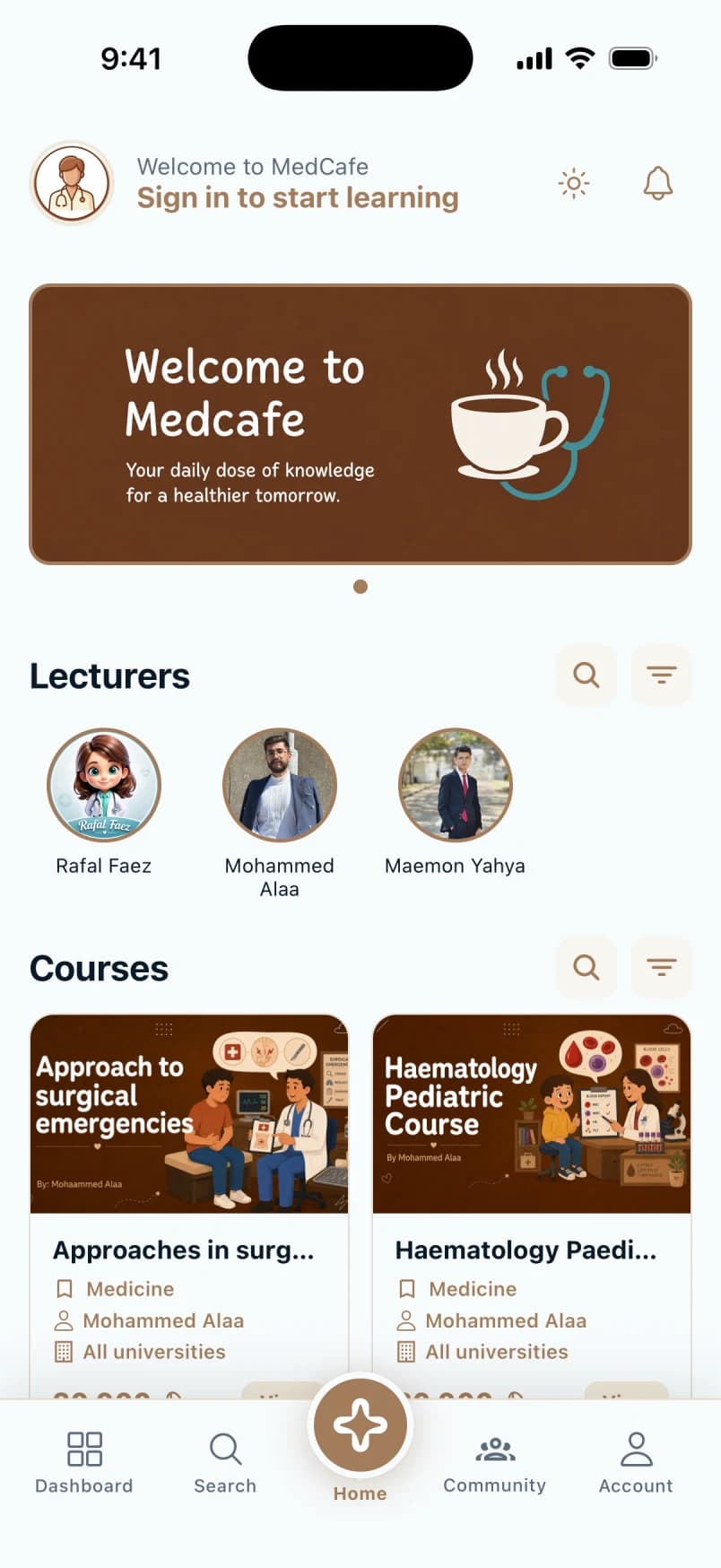
Pick up where you left off
A calm home screen with the course you were studying, the lecturers you follow and what is new this week. No feed, no noise.
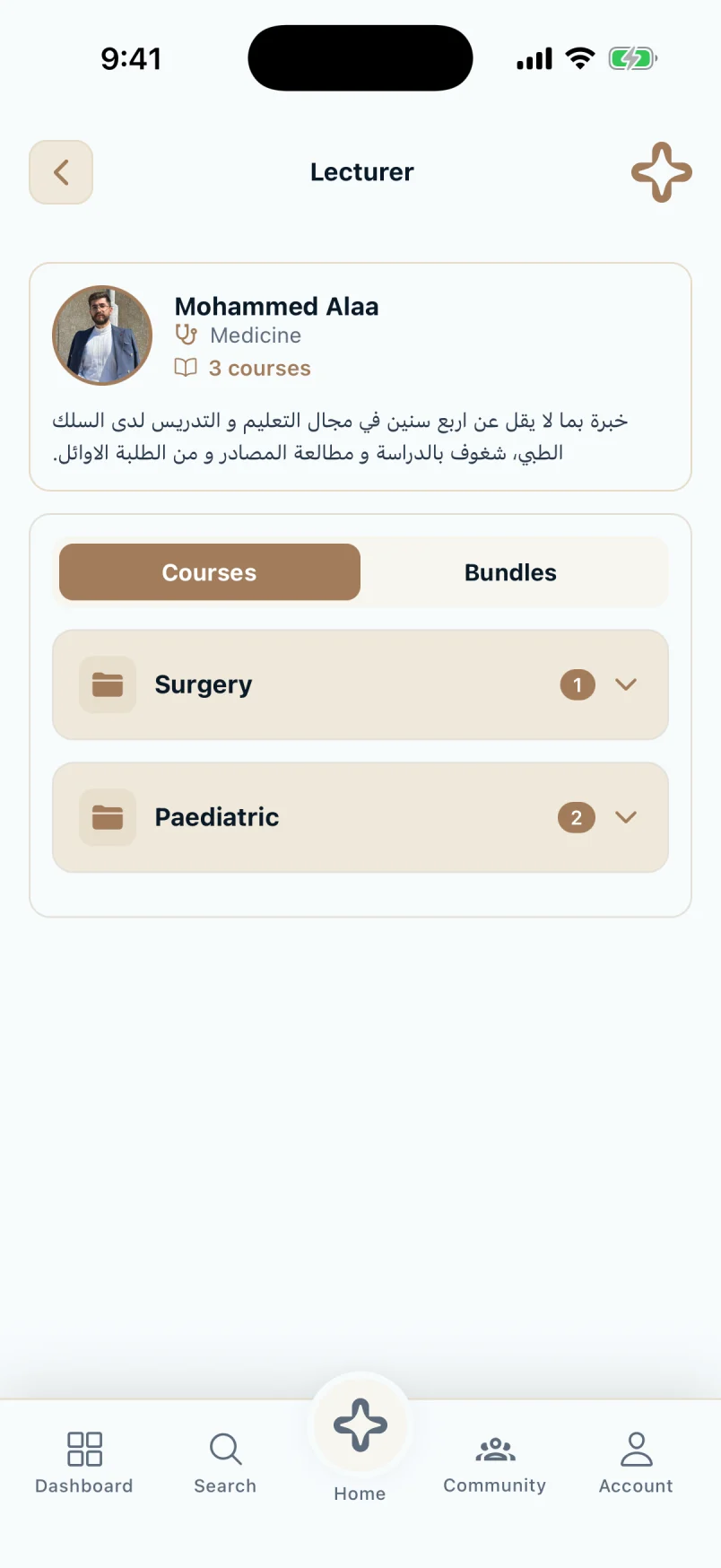
Learn from a doctor, and message them
Every lecturer has a page with their courses, bundles and a direct line on Telegram, so a question never waits until the next lecture.
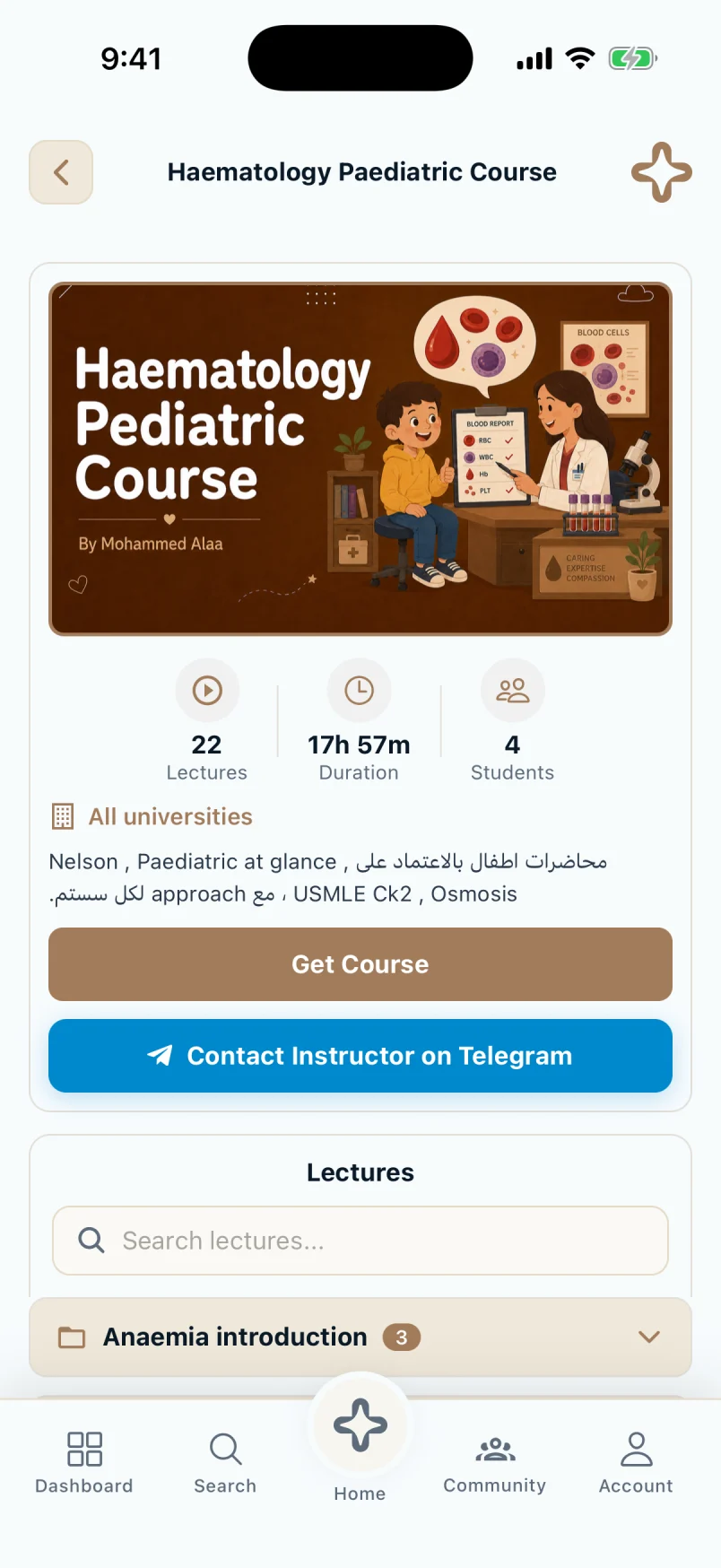
Know what you are buying
Lecture count, total hours, how many students are enrolled and the full syllabus, all before you pay. Enrol from the store or with a code.
0
lectures
0h
of video
0+
students
- History taking
- General examination
- Cardiovascular examination
- Respiratory examination
- Abdominal examination
- Nervous system examination
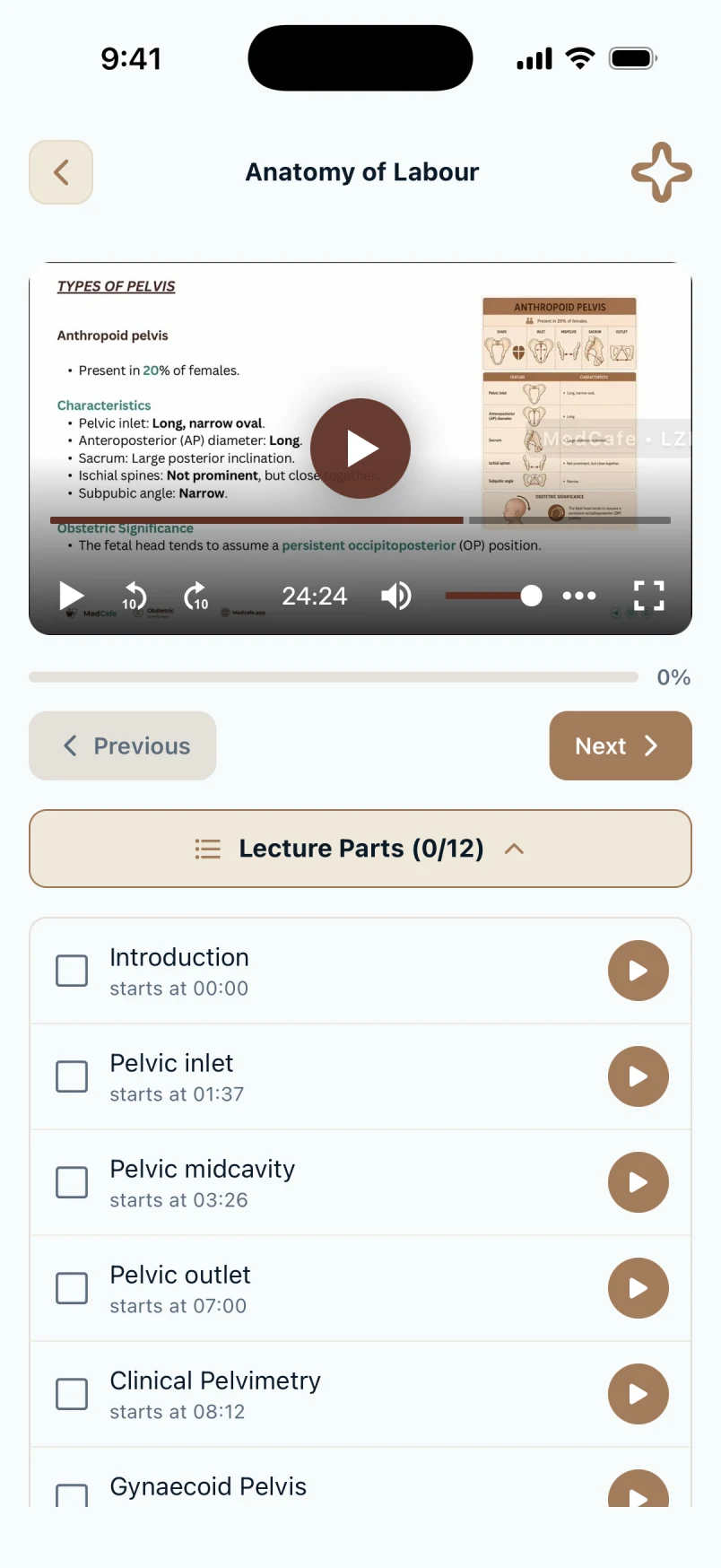
Protected streaming, chapter by chapter
Lectures stream with your name in the watermark and cannot be downloaded or recorded. Chapters take you straight to a topic, and the lecturer is one tap away.
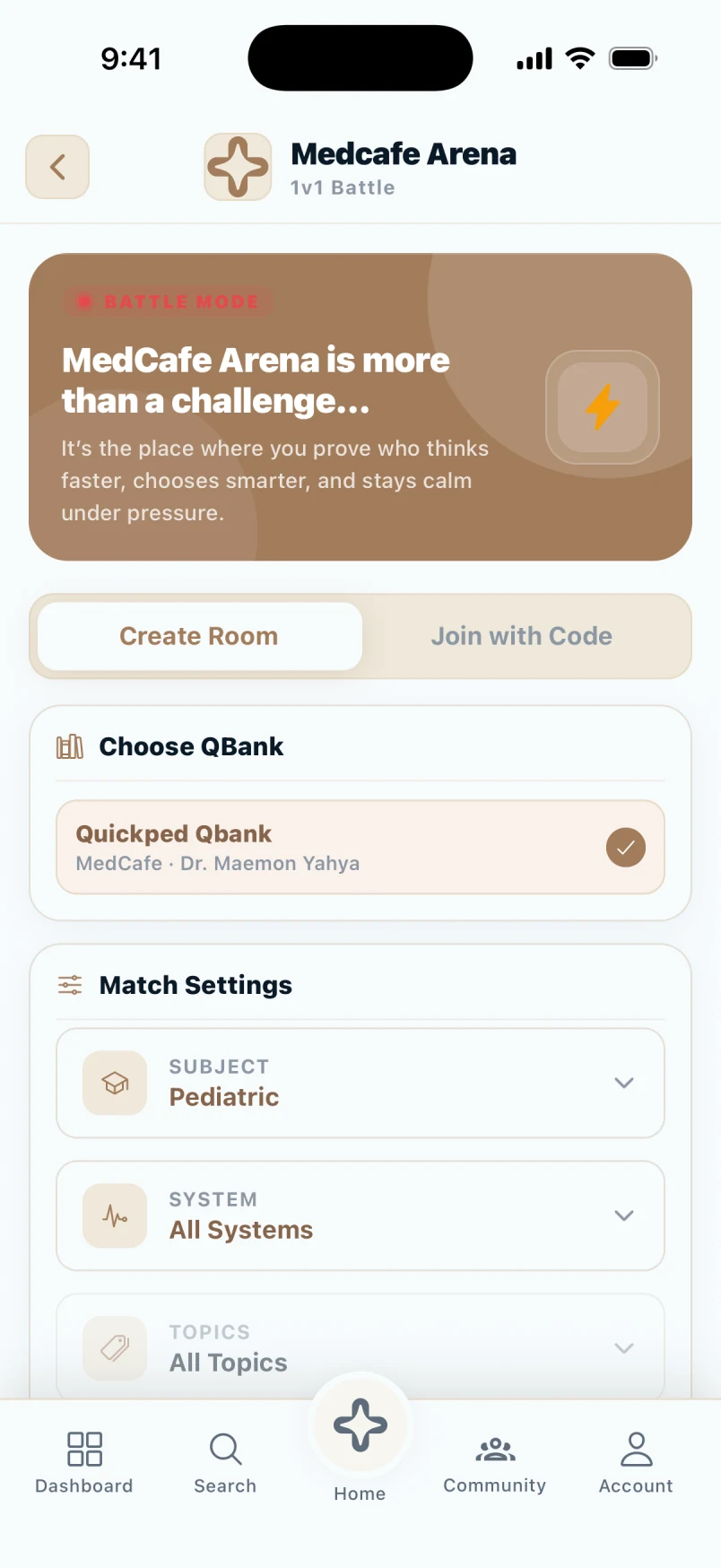
Challenge a friend, one on one
Open a room, share the code and race through the same questions. Fast, a little competitive, and a good way to end a study session.
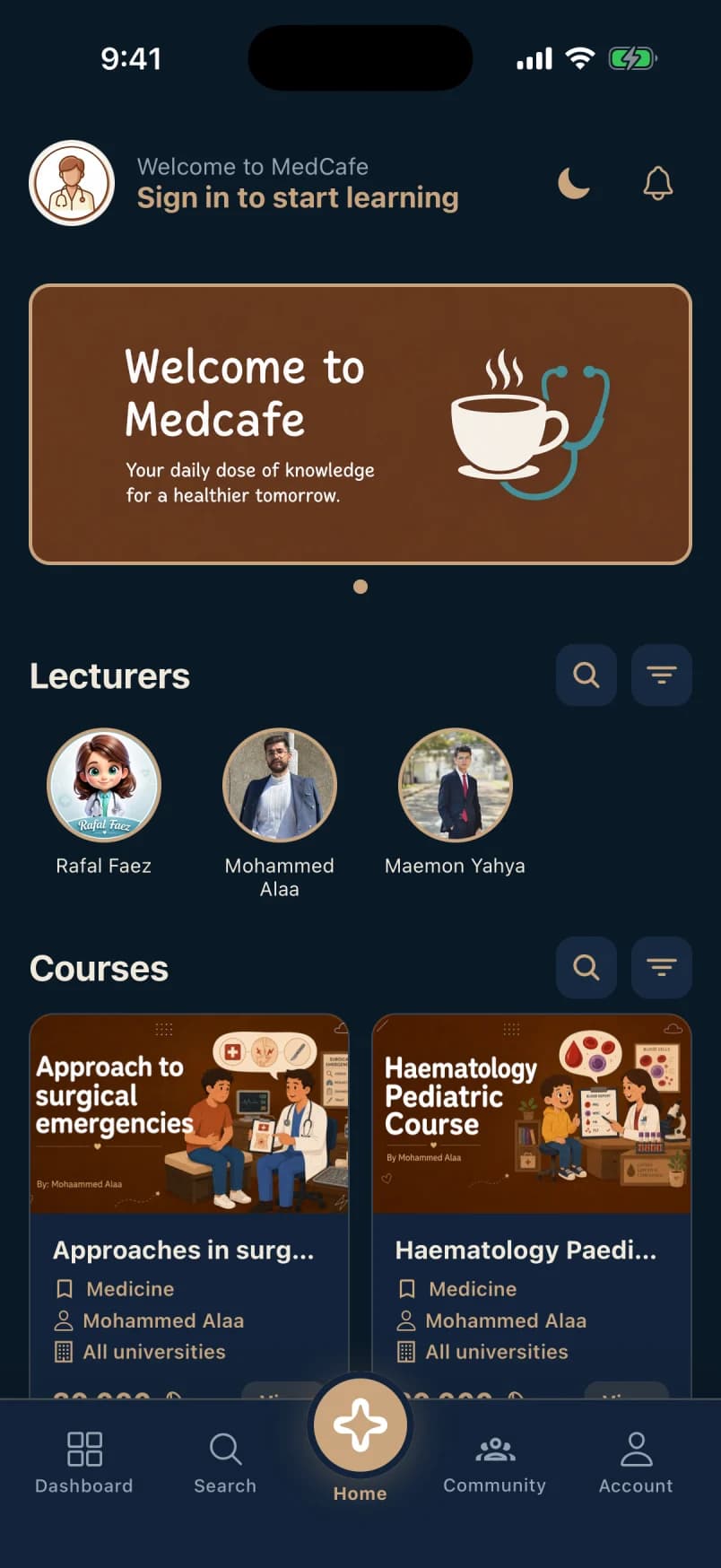
A dark theme for late rounds
Navy ground, soft contrast, the same layout. Easier on the eyes at 2 am and the night before the exam.
Ready to study with MedCafe?
Every station has one job: make your study time calmer and more effective. Download the app, or publish your own course on it.
See the lecturer plans